SQNZ
Interval timer for iPhone and Apple Watch.
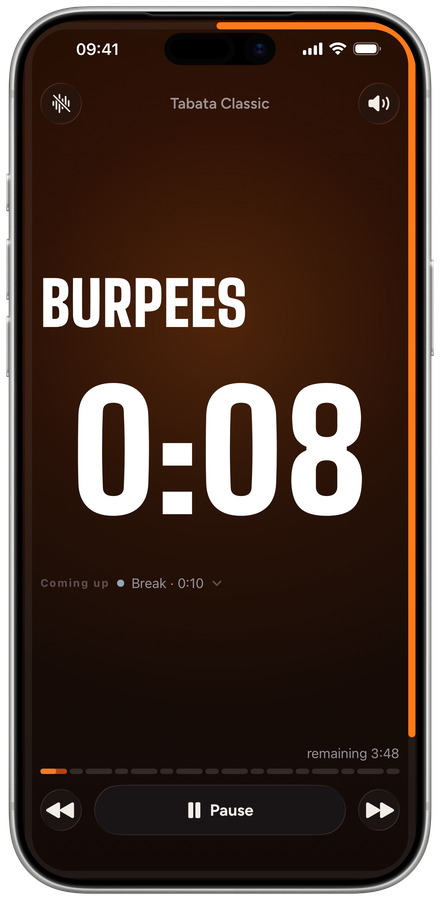
You set work and rest, the app counts down for you. For HIIT, Tabata, circuits and boxing rounds. No account. Timers run without an internet connection.
For iPhone 11 or later and iPhone SE (2nd generation) or later. On Apple Watch from Series 6, SE (2nd generation) and every Ultra, together with SQNZ Premium on your iPhone. · FAQ
Coming soon
SQNZ
Overview
iPhone
Apple Watch · Premium
Free and Premium
Free: 3 timers and 1 flow of your own, running all bundled templates, and weekly statistics. With Premium: unlimited timers and flows, editing and duplicating templates, month, year and records in statistics, and the Apple Watch app. Premium is a one-time purchase, not a subscription.
Build your own timers
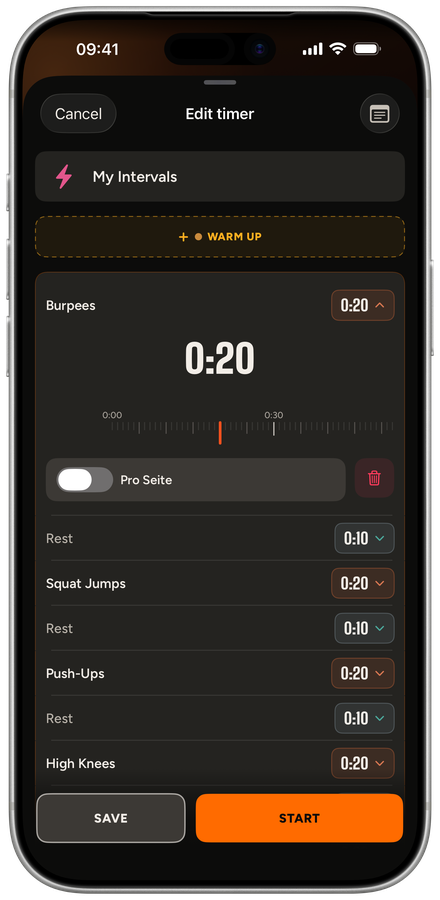
Set up intervals, rounds and breaks yourself, each phase with its own duration. Ready-made templates such as Tabata Classic are included. You can pass a timer on to others as a file (.sqtimer).
Flows
Chain several timers into one unit, with rests in between if you like. In this version, flows run on iPhone.
Sound, voice, haptics
A sound and a vibration tell you when to switch. If you want, SQNZ announces phase names and countdowns.
Even with the screen locked
The timer keeps counting in the background, and the Live Activity shows the countdown on your lock screen. Sound and voice cues keep playing while the device is locked. If the next cue is far off, SQNZ sends a notification instead. There are also widgets for the Home Screen and Lock Screen.
Apple Watch
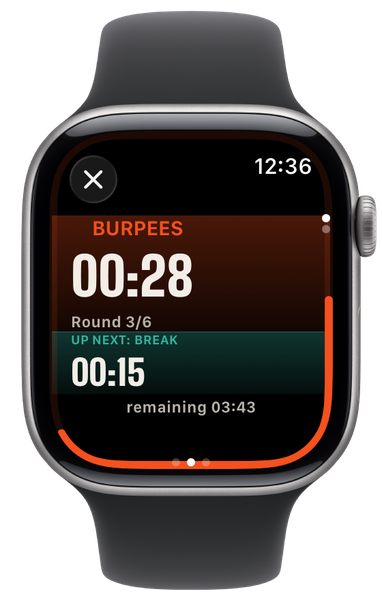
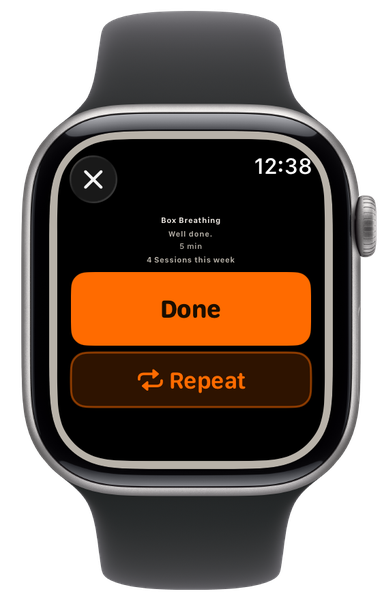
Start timers right on your wrist. The run happens on the watch, with sound and haptics, and continues if your iPhone is out of range. SQNZ syncs timers, favorites and statistics locally between iPhone and watch. There are complications for your watch face. The watch app requires Premium.
Statistics
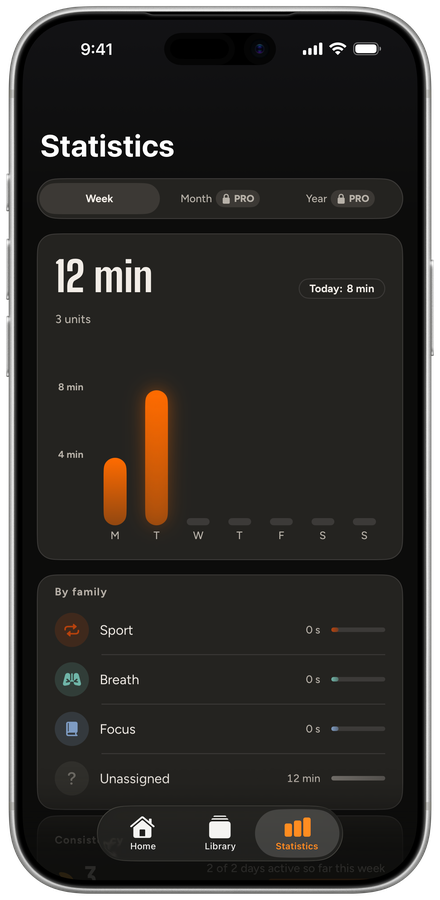
Every completed workout is recorded automatically. Your week and your streak are free; month, year and records come with Premium.
Create a timer from text
Describe your workout in your own words. Tap ChatGPT or Claude: the ready-made prompt, plus your own description, is copied and the app, or its website, opens. Paste the answer into SQNZ and it becomes a timer. The import uses no AI of its own and sends nothing. The app does not check what comes back: review every phase before you start.
Apple Health, if you want
When you finish a timer, SQNZ can save it to Apple Health on your device: sporty timers as a workout. The feature is off by default. SQNZ only writes to Apple Health and never reads your health data.
Privacy
SQNZ has no account, no servers of its own and no analytics or tracking SDKs. The app stores your timers and statistics on your device. What goes through Apple (purchase, sync with the watch, iCloud backup, Apple Health) and what happens when you create a timer from text is explained in the privacy policy.
Health notice
This app is an interval timer for self-directed training. It is not medical advice and does not replace consultation with a doctor.